LED sign content that works: 10 tips for messages people remember
5 min read
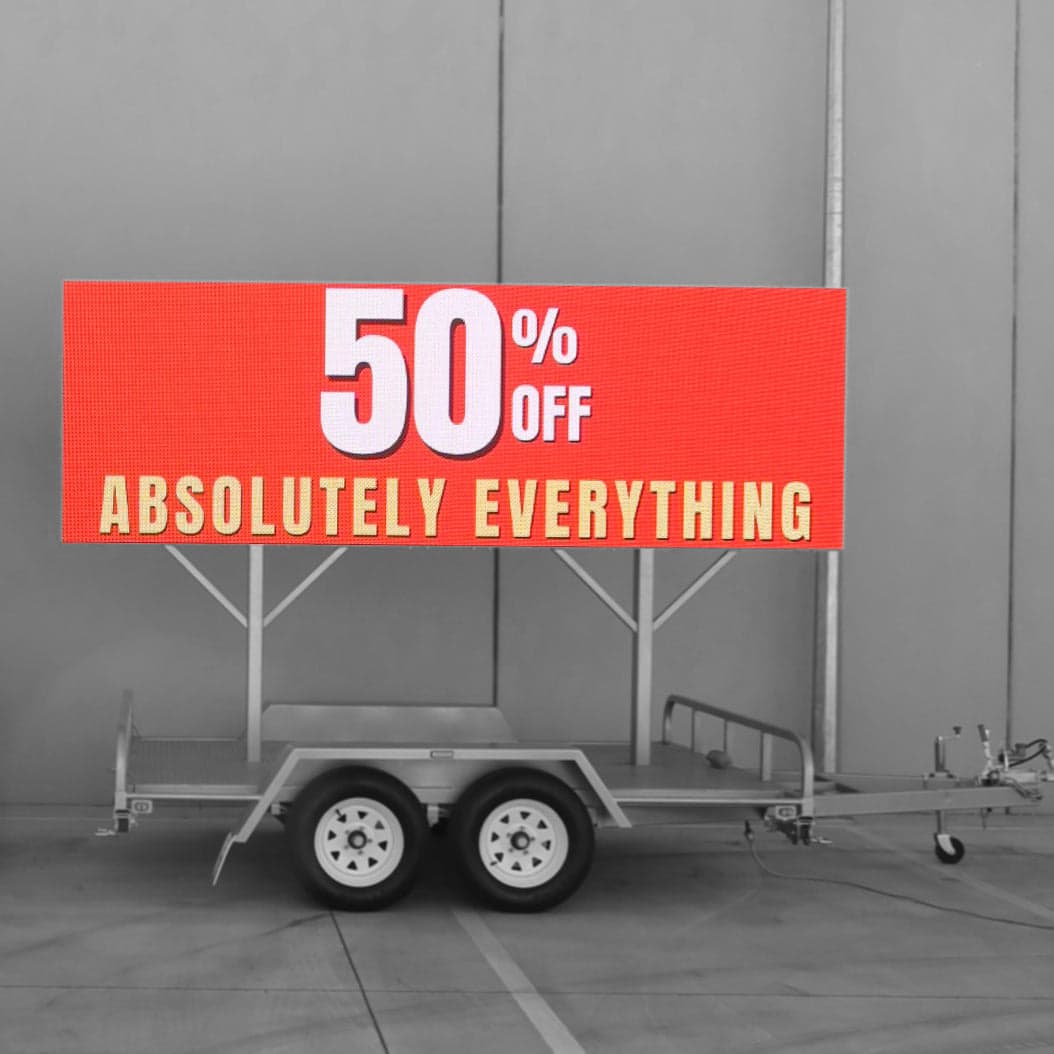
People give a sign a few seconds at most, and drivers get even less. Good content respects that. These ten tips work for shopfront screens, pylon signs, billboards and trailers alike.
1. One message per slide
Each slide should say one thing. "50% off everything" works. A slide with a headline, three bullet points, a phone number, a web address and a logo doesn't, because nobody can read it in time.
A common rule of thumb for billboards is seven words or fewer. It's a good target for anything drivers need to read.
2. Make the text big
Text that looks fine on your computer is usually far too small on the street. Use large, bold letters, and test each slide from the real viewing distance (see tip 10). If in doubt, make it bigger and cut words to fit.
3. Use plain, heavy fonts
Choose simple sans-serif fonts in bold or heavy weights. Thin, decorative and script fonts break up on LED, especially on a coarser pixel pitch. Keep long runs of capital letters to a minimum, as they're slower to read.
4. Go for strong contrast
Light text on a dark background, or dark text on a bright, plain background, reads best. Avoid putting text over busy photos. Some colour pairs, such as red on green, are hard for colour-blind people to tell apart, so rely on light against dark rather than colour alone.
A mostly dark slide also uses less power than a mostly white one, and it's easier on the eyes at night.
5. Design at the screen's exact resolution
Every LED screen has a native resolution in pixels, and it can be a very different shape from a TV. Design at exactly that size so nothing gets stretched or cropped. We'll give you the resolution for your screen, or design the content for you. Pixel pitch explained covers why resolution varies so much.
6. Give each slide enough time
Each slide needs to stay up long enough to be read. Near roads, councils and road authorities often set a minimum dwell time. Under the NSW transport corridor guidelines, for example, digital advertising must stay still for at least 10 seconds where the speed limit is under 80 km/h, and 25 seconds at 80 km/h or more. Check the conditions of your own approval.
7. Keep the loop short
If your playlist has twenty slides, most people will only ever see one or two of them. Keep the loop to a handful of slides so regular passers-by see the whole set, and show your most important message more than once in each loop.
8. Know the rules near roads
Signs that drivers can see often come with extra rules. Common ones include:
- No animation, video or flashing
- Near-instant changes between slides, with no fades or scrolling
- No shapes or colours that look like traffic signals or road signs, such as red, amber or green circles, octagons or crosses
- No text that tells drivers what to do, like "turn left now"
- Lower brightness at night
Our council approval guide has more on this.
9. One clear call to action
Tell people what to do next, and make it easy: a short web address, your store name, or "Open today till 9". For drivers, skip QR codes and long phone numbers, because nobody should be reaching for a phone at the wheel. QR codes work better on screens that people walk past or stand near.
10. Test it from the street
Before you sign off on new content, stand where your customers will see the screen. Look at it from the footpath, ride past it in a car, and check it at midday and after dark. If you can't take it in within two or three seconds, simplify it.
Bonus: schedule by time of day
LED screens can change content by the hour. Show breakfast offers in the morning, lunch deals at midday and late-night trading after dark. A schedule makes one screen do the work of several.
Common questions
What size text should I use on an LED sign?
Bigger than you think. Test from the real viewing distance, and make sure every word can be read in two or three seconds.
Can I show video on my LED sign?
On screens that only people on foot see, video can work well. On signs drivers can see, video and animation are often banned, so check your approval first.
Who makes the content for my LED sign?
You can make it yourself, have your designer do it, or ask us. Either way, we'll give you the exact resolution to design at.
Need a hand?
We're happy to design ads for your LED screen, or to give your designer the exact resolution to work to. Browse screens for sale and rental screens, or get in touch to talk through your content.